
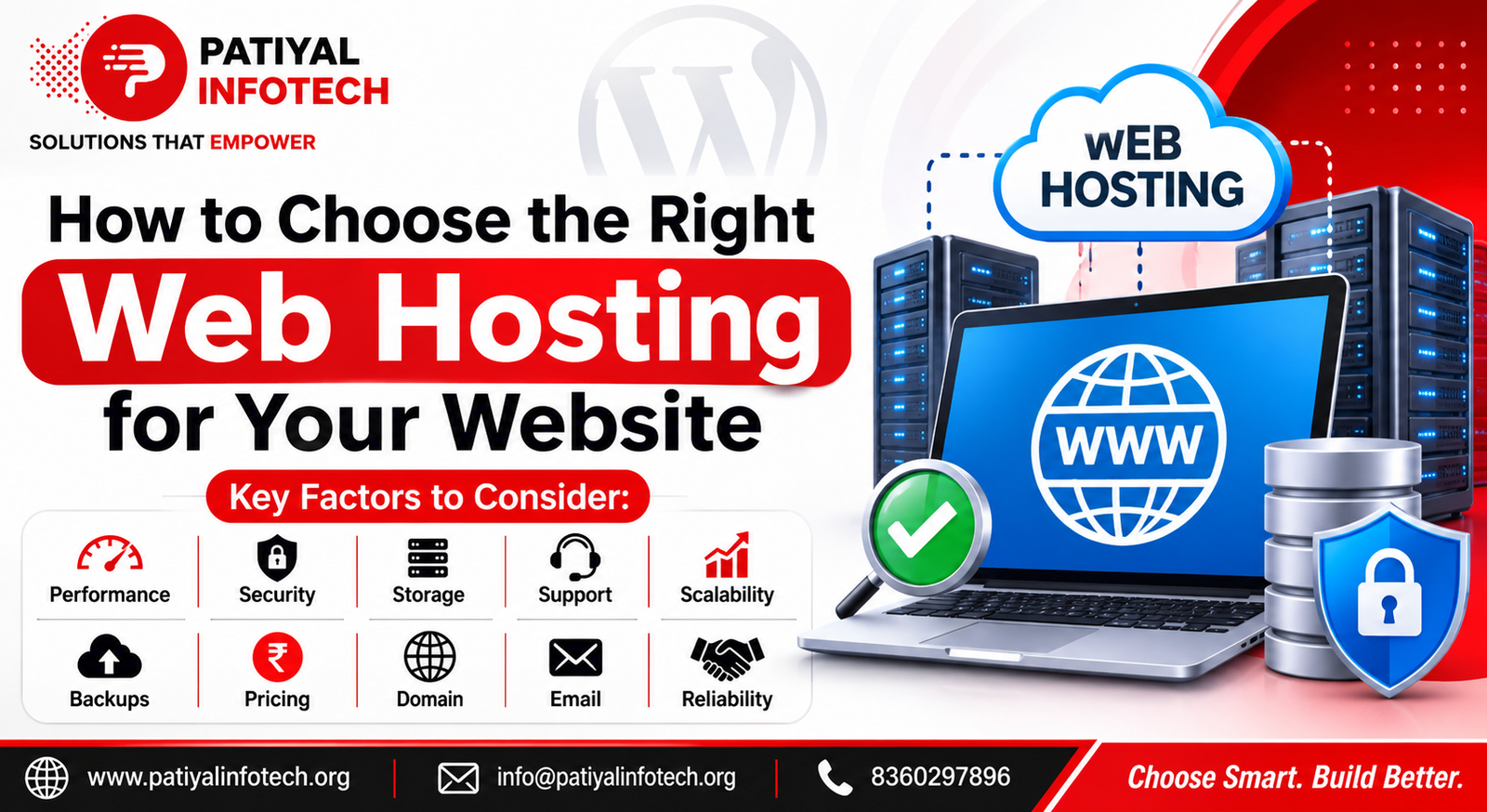
Choosing the right web hosting is one of the most important decisions when creating a website.
Your hosting provider affects your website’s speed, security, reliability, storage, performance, and ability to handle visitors.
A cheap hosting plan may look attractive at first, but it may not provide the resources or features your website needs as it grows.
The good news is that you do not need to be a technical expert to choose suitable hosting.
In this guide, you will learn how to choose the right web hosting for your website, what features to compare, and which factors you should consider before purchasing a hosting plan.
What Is Web Hosting?
Web hosting is a service that stores your website’s files and makes them available to visitors through the internet.
When someone enters your domain name into a browser, the hosting server delivers your website’s files to that visitor.
A hosting account may contain:
- Website files
- Images and media
- Databases
- Emails
- Website applications
- Security settings
- Backup data
Without web hosting, your website cannot be accessed normally by visitors.
Why Is Choosing the Right Hosting Important?
Not every hosting plan is suitable for every website.
A small personal website may need fewer resources, while an online store or business website may require more storage, processing power, security, and scalability.
The right hosting can help provide:
- Better website performance
- Reliable website availability
- Improved security
- Faster loading times
- Regular backups
- Better technical support
- Room for future growth
A poor hosting choice can result in slow loading, limited resources, downtime, security problems, and difficulty managing your website.
1. Understand Your Website’s Requirements
Before choosing a hosting plan, understand what your website actually needs.
Ask yourself:
- What type of website am I building?
- How many visitors do I expect?
- Will I use WordPress?
- Will I upload many images or videos?
- Do I need business email?
- Will I run an online store?
- How many websites do I need to host?
- Will the website grow in the future?
For example, a simple portfolio website may need fewer resources than an e-commerce website with hundreds of products.
Understanding your requirements can help you avoid paying for resources you do not need.
2. Check the Hosting Type
Hosting providers offer different types of hosting.
The most common options include:
Shared Hosting
Shared hosting places multiple websites on the same server.
It is usually suitable for:
- Small business websites
- Personal websites
- Blogs
- Portfolio websites
- New websites
It is generally affordable and easy to manage.
However, resources are shared between websites, so performance may vary depending on the hosting environment and plan.
VPS Hosting
A Virtual Private Server provides a more controlled hosting environment with dedicated portions of server resources.
VPS hosting can be useful for:
- Growing websites
- Business websites
- Websites with higher traffic
- Custom server requirements
It usually provides more control and resources than basic shared hosting.
Managed WordPress Hosting
Managed WordPress hosting is designed specifically for WordPress websites.
Depending on the provider, it may include features such as:
- WordPress updates
- Backups
- Security features
- Performance optimization
- WordPress-specific support
This can be useful for website owners who want easier WordPress management.
Dedicated Hosting
Dedicated hosting provides an entire physical server for one customer.
It is generally intended for websites with high traffic, demanding applications, or specialized server requirements.
For most small websites, dedicated hosting may not be necessary.
3. Check Storage and Bandwidth
Storage determines how much website data you can keep on your hosting account.
This may include:
- Images
- Videos
- Documents
- Website files
- Databases
- Emails
Bandwidth refers to the amount of data transferred between your website and its visitors.
Before purchasing a plan, check the provider’s storage and bandwidth limits.
If your website contains many large images, videos, downloads, or receives significant traffic, you may need more resources.
4. Look at Website Performance
Website speed is an important consideration when choosing hosting.
A hosting environment with suitable server resources and caching options can help your website respond efficiently.
Look for hosting features such as:
- Modern server technology
- Caching support
- SSD or faster storage
- Suitable PHP versions
- Reliable server resources
- Content delivery options where appropriate
For WordPress websites, the hosting environment should support the technical requirements needed by the current WordPress version.
5. Check Security Features
Hosting security should be one of your main considerations.
Look for features such as:
- SSL/TLS support
- Secure account access
- Malware protection
- Server monitoring
- Firewall protection
- Regular security updates
- Backup and recovery options
HTTPS is especially important because it helps protect communication between your website and visitors.
However, hosting security is only one part of website security. Website owners should also keep WordPress, themes, and plugins updated and use secure account practices.
6. Make Sure Backups Are Available
A website can experience unexpected problems.
For example:
- A plugin update may cause an error.
- Website files may be accidentally deleted.
- A security problem may damage the website.
- A configuration change may break a feature.
- Important data may be lost.
Regular backups can help you recover from these situations.
Before choosing a hosting provider, check:
- Whether backups are included
- How often backups are created
- How long backups are retained
- Whether backups can be restored easily
- Whether you can create manual backups
It is also a good practice to maintain copies of important backups separately from the live website.
7. Check Uptime and Reliability
Your website should be available when visitors try to access it.
Frequent downtime can affect:
- Visitors
- Customers
- Sales
- Leads
- Business reputation
When comparing hosting providers, look for a strong reliability record and understand how the provider handles server problems and maintenance.
Do not choose a hosting plan based only on price.
Reliability is an important part of the overall value of a hosting service.
8. Consider Customer Support
Good customer support can save time when something goes wrong.
Check whether the hosting provider offers:
- Live chat
- Ticket support
- Phone support
- Knowledge base
- Technical documentation
- 24/7 assistance
Support becomes especially important when your website experiences downtime, email problems, server errors, or migration issues.
Before purchasing hosting, understand what type of support is included with your plan.
9. Check Scalability
Your website may start small but grow over time.
You may eventually need:
- More storage
- More server resources
- More websites
- More email accounts
- Better performance
- Higher traffic capacity
Choose a hosting provider that allows you to upgrade your plan without making the process unnecessarily difficult.
Scalability is especially important for growing businesses and online stores.
10. Check WordPress Compatibility
If you are planning to use WordPress, make sure your hosting environment supports the required software.
A suitable WordPress hosting environment should support modern PHP, database software, and HTTPS.
The currently recommended WordPress baseline includes PHP 8.3 or greater, MariaDB 10.11+ or MySQL 8.0+, and HTTPS support.
Before purchasing a hosting plan, check its technical specifications carefully.
11. Compare Pricing Carefully
Hosting prices can sometimes be confusing.
A plan may appear inexpensive initially but become more expensive during renewal.
When comparing prices, check:
- Initial price
- Renewal price
- Setup fees
- Backup costs
- SSL availability
- Email availability
- Domain costs
- Migration charges
- Additional storage costs
Do not choose hosting only because it has the lowest starting price.
Compare the complete cost and features.
12. Check Domain Management Features
If you are also purchasing a domain, check how easy it is to manage your domain settings.
Useful domain management features may include:
- DNS management
- Domain renewal controls
- Domain privacy options where applicable
- Easy domain transfer
- Subdomain management
- Email configuration
Your domain and hosting are connected but they are not exactly the same thing.
The domain is your website’s address, while hosting provides the server environment where your website files are stored.
13. Check Email Features
If your website is for a business, you may need professional email addresses such as:
Before selecting a hosting plan, check whether professional email accounts are included.
Also check mailbox storage, spam protection, sending limits, and email management features.
14. Look for Easy Website Migration
If you already have a website, you may eventually want to move it to another hosting provider.
A good hosting service may provide migration assistance or tools that make the process easier.
Before moving a website, make sure you have:
- A complete website backup
- A database backup
- Website files
- Domain access
- Hosting access
- Email details
- DNS access
Planning the migration properly can reduce downtime and prevent data loss.
15. Read the Hosting Terms Carefully
Before purchasing a hosting plan, read the important terms.
Pay attention to:
- Storage limits
- Traffic limits
- CPU or resource limits
- Backup policies
- Renewal pricing
- Cancellation policy
- Refund policy
- Email restrictions
- File restrictions
- Fair-use policies
Understanding these details can prevent unexpected problems later.
Web Hosting Comparison Checklist
| Hosting Factor | What to Check |
|---|---|
| Hosting type | Shared, VPS, managed WordPress, dedicated |
| Storage | Enough space for website files and media |
| Bandwidth | Suitable for expected traffic |
| Performance | Server resources and caching |
| Security | HTTPS, monitoring, protection |
| Backups | Frequency and restoration options |
| Uptime | Reliability and availability |
| Support | Live chat, tickets, or phone support |
| Scalability | Easy plan upgrades |
| WordPress support | Current technical requirements |
| Business email availability | |
| Domain management | DNS and domain controls |
| Migration | Website transfer assistance |
| Pricing | Initial and renewal costs |
Which Hosting Is Best for a Small Business Website?
For a small business website, a reliable shared hosting or managed WordPress plan may be enough.
Look for:
- Good performance
- HTTPS support
- Regular backups
- Security features
- Reliable customer support
- Easy WordPress management
- Upgrade options
You do not necessarily need an expensive hosting plan when your website is small.
Choose a plan that meets your current requirements while allowing room for growth.
Which Hosting Is Better for an Online Store?
An online store may require more resources than a basic business website.
An e-commerce website may need:
- Better server performance
- Reliable backups
- Strong security
- HTTPS
- More storage
- Higher traffic capacity
- Scalable resources
- Reliable support
If your store grows, you may need to upgrade your hosting environment.
Common Web Hosting Mistakes to Avoid
Choosing Only Based on Price
The cheapest plan is not always the best option.
Ignoring Renewal Prices
Always check what you will pay after the initial promotional period.
Not Checking Backup Policies
Do not assume that backups automatically meet your recovery needs.
Choosing a Plan With Limited Resources
A low-cost plan may become restrictive as your website grows.
Ignoring Security
Hosting security should be considered before purchasing a plan.
Not Planning for Growth
Choose hosting that gives you a clear upgrade path.
Not Checking Support
Technical problems can happen at any time. Good support can make recovery easier.
How to Choose the Right Web Hosting: Quick Checklist
Before purchasing hosting, ask:
- Does the hosting support my website platform?
- Does it provide enough storage?
- Is the performance suitable for my expected traffic?
- Does it support HTTPS?
- Are backups available?
- Can I easily upgrade the plan?
- Is customer support available when needed?
- Are domain and email features included?
- What is the renewal price?
- Can I migrate my website easily if required?
If the answers match your requirements, the hosting plan may be a suitable choice.
Final Thoughts
Choosing the right web hosting is about more than finding the cheapest plan.
You should consider performance, security, backups, reliability, support, storage, scalability, WordPress compatibility, domain management, and total cost before making a decision.
Start by understanding your website’s current requirements. Then compare hosting plans based on the features that actually matter to your website.
A good hosting environment can provide a stronger foundation for website performance, security, and future growth.
FAQ
The best hosting depends on your website’s requirements. A reliable shared hosting or managed WordPress plan can be suitable for many new websites.
It depends on your website’s files, images, videos, emails, and databases. Start with enough storage for your current needs and choose a plan that allows upgrades.
HTTPS helps protect communication between your website and visitors and is an important requirement for modern WordPress websites.
Backups are highly recommended because they can help you recover your website after data loss, failed updates, accidental changes, or other problems.
Websites can be migrated to another hosting provider. However, you should create reliable backups and plan the migration carefully to reduce downtime.
It can be suitable for some small websites, but you should compare the complete features, resource limits, renewal price, security, backups, and support before choosing a plan.
Server resources, caching, infrastructure, and hosting configuration can affect website performance.
Not necessarily. A small business website usually does not need the most expensive hosting plan. Choose a reliable plan that provides the resources and features your website actually needs.